The Augmented Product Manager
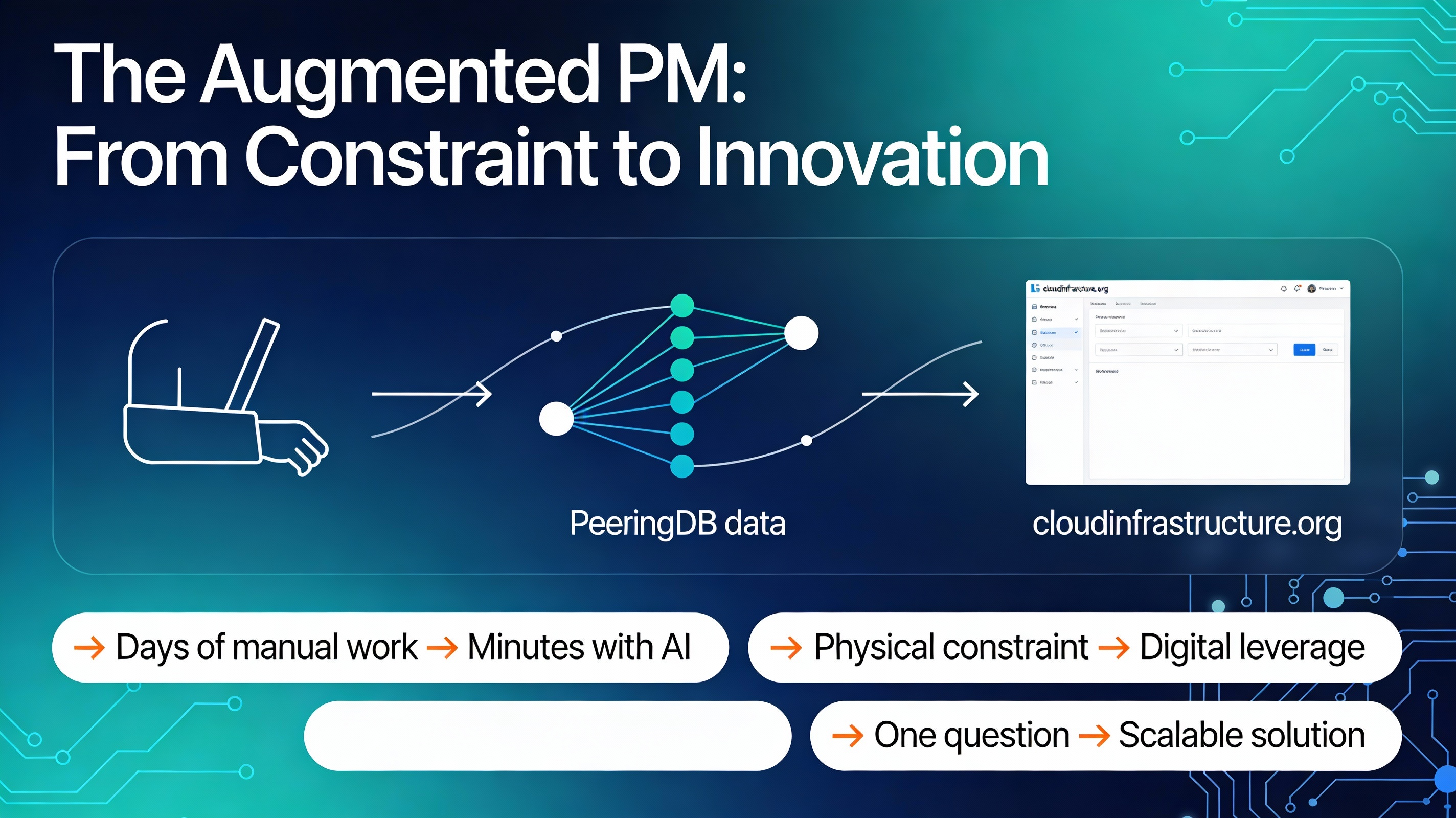
Recovering from shoulder surgery with one arm in a sling, I was already feeling sidelined when a friend hit me with a concrete challenge:
Can we visualize data from PeeringDB.com in a way that reveals how companies actually interconnect, without days of manual work?
What started as a small “what-if” experiment using AI to explore that question quickly evolved into cloudinfrastructure.org, a working solution that maps interconnection patterns across networks, facilities, and cloud on-ramps. This was not a thought exercise; it is a real example of using AI as a tool to move from constraint to a shipped solution in days, not months.
For Product Managers, especially in cloud networking, this story is a blueprint for turning vague, complex infrastructure questions into concrete tools that your customers can actually use.
PeeringDB: Powerful, but Hard to Interrogate
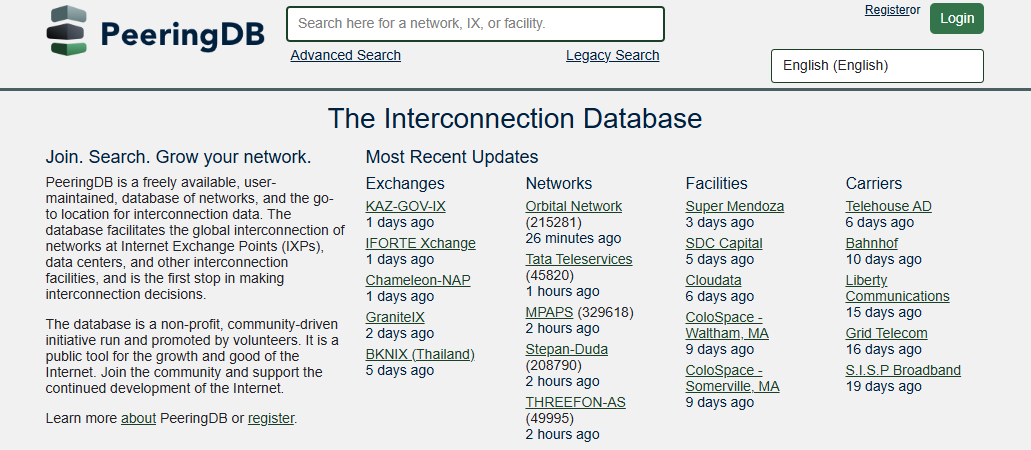
If you work in networking, PeeringDB is already familiar. It is the community-driven registry of networks, facilities, Internet Exchange Points (IXPs), and private interconnection points: a shared source of truth for how the internet physically fits together.
In practice, it functions like a directory for internet infrastructure, a description of who is present where, and how networks meet at IBX sites and other facilities.
However, PeeringDB is optimized for record lookup, not for answering cross-cutting, strategic questions. It is a rich library with a limited card catalog: you can easily look up a single network or facility, but it is painful to ask questions like:
- Across these two specific networks, where do they privately interconnect?
- Which facilities emerge as critical hubs for private, network-to-network connectivity?
- How does a particular provider’s private interconnect footprint compare across regions?
A friend framed the problem very specifically: “Which data centers are the most critical hubs for private interconnection between networks X and Y?”
Answering that with manual exports and spreadsheets (which I am very comfortable with and had previously used for years to answer these types of questions), would take days. With one arm immobilized, even that brute-force option was off the table, which turned into a forcing function to find a higher-leverage approach.
From Constraint to AI-First Approach
The work did not begin with “build me a website.” It began with the same questions any Product Manager should ask: What is the user’s actual question? What decisions depend on the answer? What data exists, and how hard is it to use? The difference in this case was that my primary assistant was an AI tool, not another teammate.
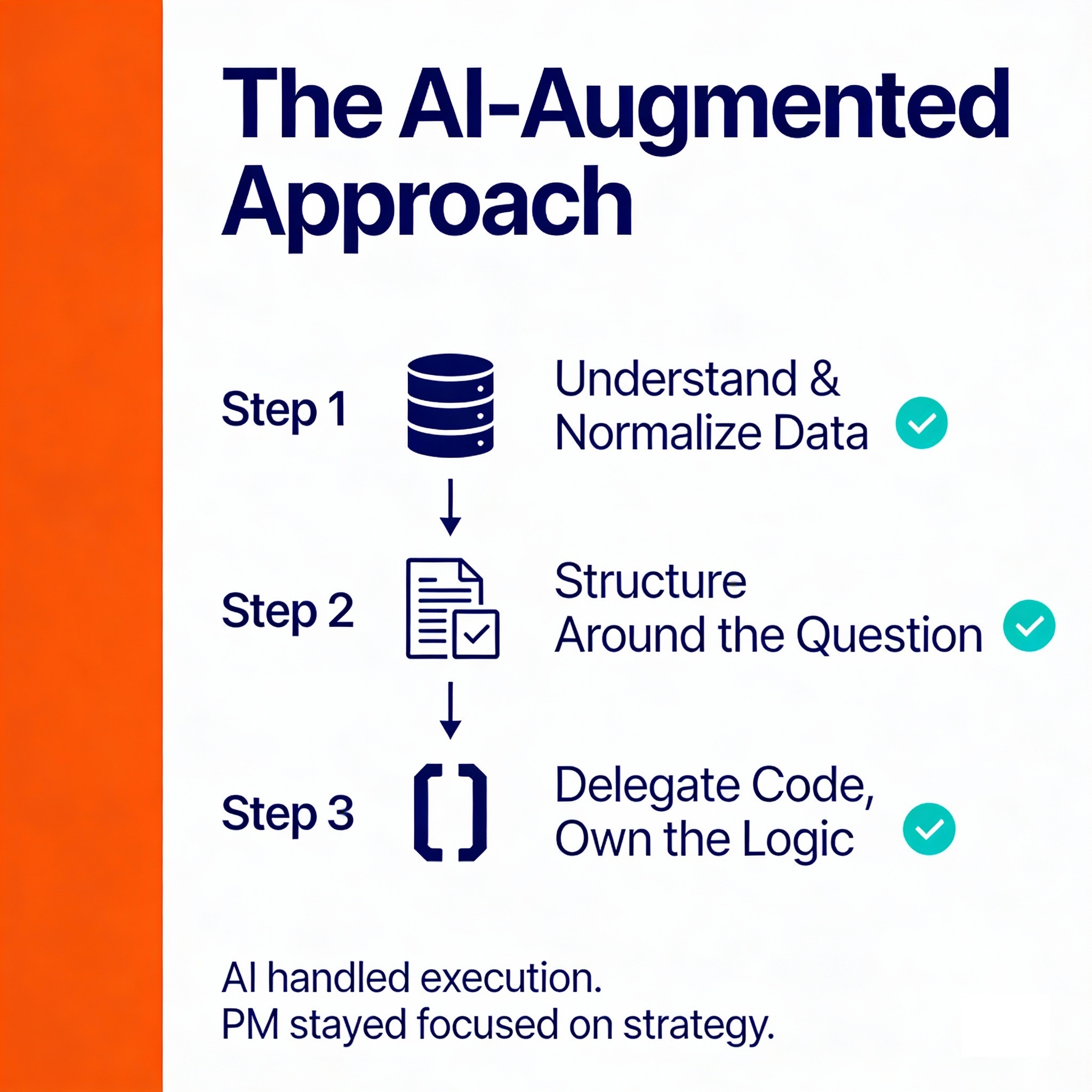
Step 1: Understand and Normalize the Data
The first prompts focused on understanding the PeeringDB API and its structure. Instead of reading every page of documentation manually, I asked the AI to explain all of the endpoints in the PeeringDB API and generate Python examples to pull those resources.
This yielded, a clear view of what data was available for me to use in my analysis and how it was structured in the database:
- A concise explanation of how networks, IXPs, and facilities relate in the API.
- Immediately executable Python code to fetch and store data.
- A faster way to iterate on questions like “What other endpoints do we need for private interconnect visibility?"
Next, I used the AI to normalize data. For example, aligning naming conventions (such as the many variations of “AT&T”) across records is tedious and error-prone by hand. By delegating name normalization and consistency checks to AI-assisted scripts, it became easier to reason about “one company” across many entries.
Step 2: Structure the Model Around the Question
Once the data model was clearer, the next task was not “write more code,” but “design the right representation of the problem.”
Prompts like “Propose a data model linking a company, a data center, and a private interconnect so it’s easy to visualize” turned the AI into a sounding board for architecture decisions. The output was not perfect, but it generated schema options quickly, which I could then pressure-test against the core question:
- Can this model tell me where networks X and Y privately connect?
- Can I rank facilities by the density or importance of those private connections?
- Can I extend this model later for cloud on-ramps or additional networks?
The AI generated draft schemas and relationships; my job as the Product Manager was to decide which ones were realistic, maintainable, and aligned with the actual user questions.
Step 3: Delegate Boilerplate Code, Own the Logic
With a reasonable schema in mind, the prompts shifted from exploration to targeted execution:
- “Using this schema, write Python code to fetch PeeringDB data and persist it.”
- “Generate code to transform raw responses into normalized tables keyed by network and facility IDs.”
- “Create a simple HTML table listing networks and the IXPs where they privately interconnect.”
The AI handled:
- HTTP calls and error handling.
- Parsing responses into structured objects.
- Boilerplate database and HTML generation.
This was not blind copy-paste. Each generated snippet went through a tight loop: run, inspect, validate, refine the prompt, and iterate. The key shift was that AI took on the execution-heavy work, while I stayed focused on:
- Is this answering the right question?
- Are the edge cases covered?
- Does this representation actually help a network engineer make a better decision?
Within minutes, the first tangible artifact appeared: a basic HTML table showing networks and their shared IXPs, including private interconnections. It was far from polished, but it made the insight visible and gave a concrete starting point for a solution.
From Prototype to cloudinfrastructure.org
The turning point was realizing that the answer to one friend’s question could scale into a reusable tool. If one team needed a fast way to reason about private interconnections between networks, others in the cloud and interconnection ecosystem likely did too.
Evolving the prototype into cloudinfrastructure.org followed a familiar solution loop:
- Validate the pattern: Are similar questions coming up in conversations with cloud providers, carriers, or platform teams?
- Generalize the use case: Instead of “networks X and Y,” design the system to compare any pair of networks or map the footprint of a single network across facilities.
- Harden the pipeline: Move from quick scripts to repeatable ingestion and transformation jobs, so the data stays current.
- Improve the UX: Replace a raw HTML table with a navigable site that surfaces key insights first and lets users drill down.
Throughout this evolution, one principle stayed constant: AI is the how, not the what or why.
- AI generated code, transformed data, and suggested schemas.
- The solution decisions, what problem to solve, which workflows to support, which metrics matter, came from domain expertise in cloud networking and Product management.
This distinction matters. Without a clear solution vision, AI just makes it easier to ship the wrong thing faster. With a clear solution vision, AI collapses the distance between an idea, a prototype, and a running service.
Applying This Pattern to Your Solution Work
This approach is not limited to PeeringDB or interconnection data. Any Product Manager working with complex, structured datasets, cloud usage, telemetry, pricing, reference data, can adopt the same pattern to move faster and answer harder questions.
Here is a practical way to start using AI as a tool in your own workflow, especially if you are in cloud networking or infrastructure:
Low-Risk, High-Learning Experiments
- Automate something you already understand
Pick one tedious but familiar task: a recurring report, a weekly data pull, or a status update. Use AI to write the script, SQL, or template, and then verify every step. The goal is not novelty; it is building trust in the interaction pattern. - Use AI as a research accelerator, not a search engine
Give it a focused brief: “Summarize the key differences between AWS, Azure, GCP, and OCI private interconnect models”, and ask it to produce a structured output you can refine: comparison tables, pros and cons, or risks. - Reflect on a recent constraint
Think about a time you said, “I do not have time to dig into this dataset properly,” or “Engineering is too busy for a prototype right now.” Rewrite that scenario as a prompt: “If I had an AI tool with basic coding skills, how would I tackle this differently?”
Move From Experiments to Assets
- Integrate AI into daily discovery and planning
Use it to draft discovery questions, summarize customer interviews, or generate alternative problem framings before you walk into a design or architecture review. - Ship one small, self-serve tool
Pick a narrow but valuable use case: a script that maps cloud interconnect options for a specific workload pattern, or a dashboard that surfaces latency-sensitive paths between regions. Use AI to build the first version and make it available internally, even if it is rough. The goal is to move from “one-off analysis” to “reusable insight.” - Measure impact intentionally
Track three simple metrics:- Time saved on routine tasks.
- Number of ideas you can explore to a prototype.
- Subjective mental bandwidth: how often you stay focused on strategy instead of wrangling tools.[file:2]
Over time, these small practices compound. Instead of being the person who manually builds every report or artifact, you become the person who defines the questions, orchestrates the tools, and ships usable solutions faster.
Looking Ahead: From Personal Story to Systematic Practice
Building cloudinfrastructure.org was a personal skill-building side project that I did while laid up after surgery. It showed me that AI can meaningfully augment a Product Manager’s ability to explore data, validate ideas, and ship usable tools, even under real constraints.
The broader lesson is that AI is most powerful when it is tightly coupled to domain expertise and a clear solution question, not when it is treated as a generic magic wand.
This post focused on one concrete journey: from a sling, to a data challenge, to a working interconnection tool. In the next part of this series, the lens will widen.
Building on what this experiment unlocked, I plan on continuing to explore additional, practical ways AI can improve the effectiveness of a Product Manager. I will widen the lens and in the next post I will focus on shifting from a single project to a systematic approach for using AI across the Discovery phase of the solution lifecycle:
- Generating better, more testable hypotheses.
- Accelerating market and ecosystem research.
- Rapidly validating or invalidating ideas with data and lightweight prototypes.
Until then, consider this a standing question:
- Where in your current roadmap is there a messy, data-heavy problem that you have quietly accepted as “too painful” to tackle right now? That might be the best place to let an AI co-pilot earn its keep.
- If you have already used AI in your professional life, what was the first moment it shifted from “interesting demo” to “I cannot imagine working without this”? If you have not started yet, what specific risk or constraint is holding you back from experimenting?
If you’re open to it, I’m interested in those moments and experiments from your own work. Your experiences and constraints can help guide where this series goes next and which real-world Product Management problems we should use AI to focus on.